
How It Works
The Magic Behind the BoothFlashback Booth brings the nostalgic charm of vintage photo booths directly into your browser, combining authentic retro aesthetics with modern digital privacy. Whether you're capturing memories at a wedding, a party, or just having fun at home, understanding how the booth works can help you get the best possible results.
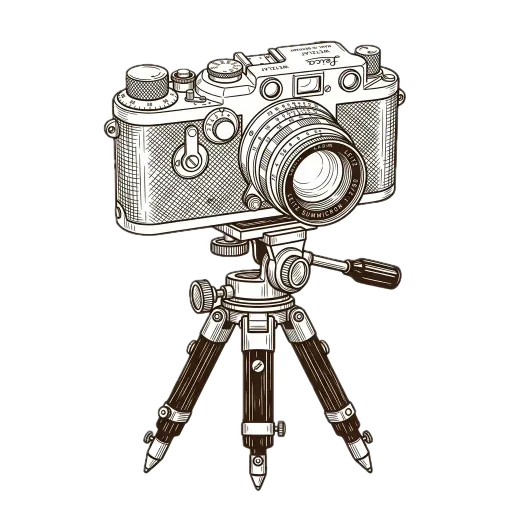
Step 1: Accessing the Camera
When you click "Enter Booth", the application will prompt you for camera permissions. This is required to capture your photos.
- Local Access Only: Your camera feed is accessed strictly within your device's browser. It is never streamed, uploaded, or transmitted to any external server.
- Device Compatibility: The booth works seamlessly on smartphones, tablets (like iPads), and desktop computers. It utilizes the best available camera, whether it's your front-facing selfie cam or a high-quality external webcam.
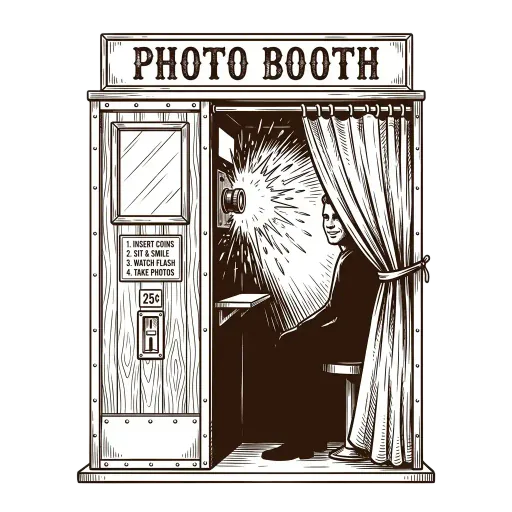
Step 2: The Capture Process
Just like a traditional chemical photo booth, the process is automated to capture candid, authentic moments.
- The Countdown: Once you trigger the capture, a 3-second countdown begins. This gives you just enough time to strike a pose.
- Sequential Shots: The booth automatically takes a sequence of 4 photos. This rapid succession mimics the pacing of classic machines, often resulting in a progressive story—from a posed smile in frame one to spontaneous laughter by frame four.
- No Retakes: Embracing the imperfection of analog photography, there are no immediate retakes between shots. What happens in the booth, stays in the booth!
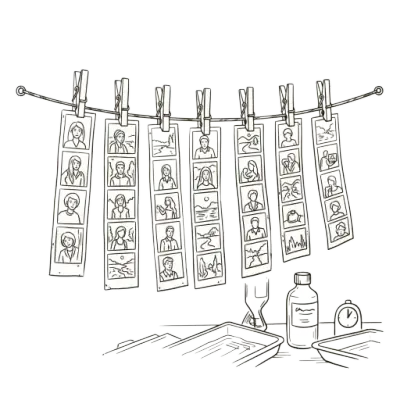
Step 3: Processing and Filters
After your 4 photos are captured, the real magic begins. The processing happens entirely via the HTML5 Canvas API on your own device.
- Applying the Layout: The 4 images are stitched together vertically into a high-resolution 800×2400px strip layout, complete with vintage-style borders.
- Authentic Filters: You can apply various optical filters—such as Classic B&W, Sepia, and Warm Tone. Our algorithms simulate the spectral sensitivity of actual film stocks, adjusting luminosity, contrast, and color curves.
- Dynamic Grain: A compound noise algorithm is applied over the images to replicate silver halide film grain. The grain is luminance-based, meaning it correctly appears coarser in shadows and finer in highlights.
- Date Stamp: A customizable 1980s-style Quartz Date stamp is overlaid in orange monospace type, anchoring your memory in time.

Step 4: Export and The Time Capsule
Once your strip is perfected, you have several options for saving and sharing your creation.
- Instant Download: Download the high-res PNG file directly to your device. It’s perfectly sized to be printed at standard 2×6 inch booth dimensions at any local print shop.
- Digital Time Capsule: You can choose to write a personalized letter alongside your strip. The strip and letter are then sealed in a digital vintage envelope. You can even set a future "unlock date." When you share the capsule link, the recipient experiences a beautiful unwrapping animation to reveal the memory.