

Latest Tales

2026-07-04 · 5 min read
The Best DIY Photo Booth Props You Can Make in 10 Minutes
2026-05-10 · 7 min read
DIY Photo Booth Setup at Home

2026-05-28 · 9 min read
The Ultimate Guide to Hosting a DIY Photo Booth Party
Milestone Time Capsule
Seal the celebration in a digital envelope. Write a personal letter to your future self or the guest of honor, attach your retro photo strips, and lock it until a future date. It's a perfect way to capture candid memories to look back on years from now.
Why Flashback Booth?
Every birthday party is unique, and the photos taken should reflect the specific milestone being celebrated. Instead of using generic camera apps, Flashback Booth offers a customizable retro photo strip template that feels completely bespoke. You can easily add a personalized message like "Sarah's 30th!" to the bottom of the strip, ensuring every photo taken at the party carries that specific memory. The clean, vintage design focuses entirely on the guests, avoiding the cheesy clip-art borders common in other photo booth apps.
Customizable Footer Text
Make the strip your own by adding names, dates, or inside jokes to the bottom of the photo layout, alongside a retro date stamp.
Analog Film Emulation
We use advanced algorithms to recreate authentic analog film looks. Choose from classic Sepia, stark Black & White, or warm vintage tones.
Ready to try our digital birthday photo booth template?
Skip the expensive rentals and complicated software. Flashback Booth runs directly in your browser and costs absolutely nothing. Take your first photo strip right now.
How It Works
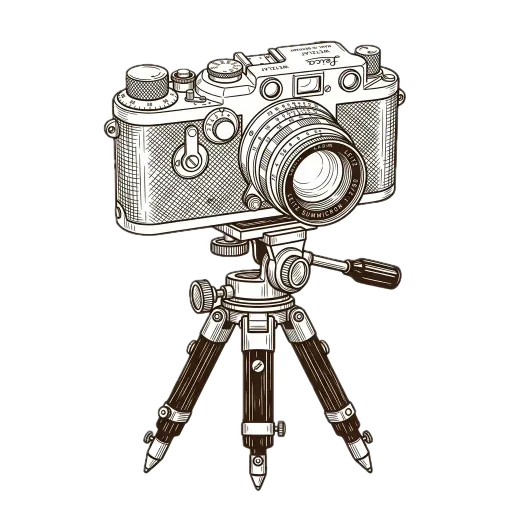
Allow Camera Access
Navigate to Flashback Booth in your browser and click "Allow" when it asks for permission to use your camera. No account needed.
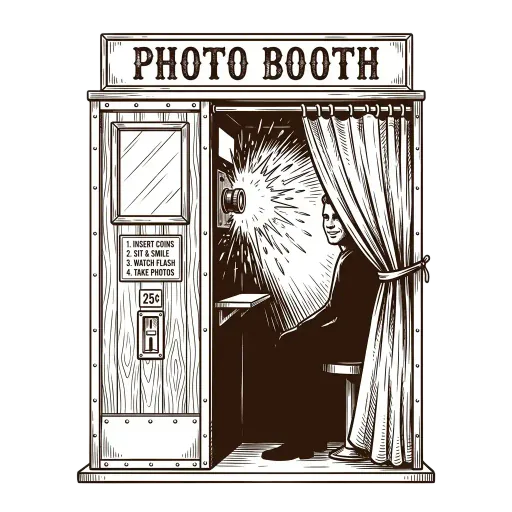
The 4-Shot Sequence
Tap the camera icon to start. You will have three seconds between each photograph to change your pose, just like an analog mall booth.
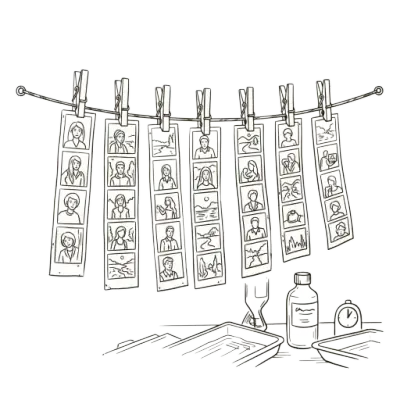
Apply Vintage Tones
Use our custom interface to toggle between Sepia, Black & White, or Warm Film, then download your personalized strip.
Common Questions
What birthday photo booth templates are available?
Flashback Booth's customizable layouts let you add birthday-specific footer text ("Happy 30th, Alex! 🎉"), choose from vintage film filters, and toggle a date stamp.
Can I pick a specific color filter for the birthday theme?
Yes. Choose from Natural, Sepia, Black & White, and Warm Film filters to match the mood of the birthday party.
Can children use the photo booth template easily?
Yes. The interface is extremely simple—point, tap, and the countdown timer handles the rest.
Are birthday templates free?
Yes. All templates and customizations are completely free.
How do guests get their birthday photo strips?
Instantly—after the 4 shots are taken, a download button appears. Guests save their strip directly to their device.
Related Guides
Birthday Photo Booth
Explore our guide on birthday photo booth and setup tips.
Birthday Photo Booth Ideas
Explore our guide on birthday photo booth ideas and setup tips.
Free Photo Booth App
Explore our guide on free photo booth app and setup tips.
Retro Style Photo Booth
Explore our guide on retro style photo booth and setup tips.