





Latest Tales


2026-06-01 · 12 min read
Planning the Perfect DIY Wedding Photo Booth
2026-06-17 · 8 min read
10 Creative Photo Booth Prop Ideas for Weddings
2026-06-24 · 8 min read
Minimalist Wedding Trends: The Return of the Simple Photo Booth
Digital Wedding Time Capsule
Create a digital memory chest for your big day. Guests can seal their custom photo strips alongside a private letter to the newlyweds. Choose a future release date—like your 1st, 5th, or 10th anniversary—to unlock these beautiful memories and letters.
Why Flashback Booth?
A DIY wedding photo booth can look just as impressive as a professional rental — and cost a fraction of the price. The secret is breaking the setup into three components: the software (Flashback Booth, free), the hardware (any tablet or laptop you already own), and the physical setup (a backdrop stand and fabric, often under $150 total). When these three elements come together with good lighting and a selection of fun props, guests cannot tell the difference between a $2000 rental and your DIY setup. What they notice is the retro photo strip keepsake they take home.
Zero Cost, Zero Watermarks
We do not charge subscriptions or ruin your photos with ugly logos. The app is entirely free to use for as long as you want.
Effortless Event Setup
Turn any old iPad or laptop into a premium photo station in seconds. Just prop it up, ensure good lighting, and let the software handle the rest.
Ready to try our digital diy wedding photo booth?
Skip the expensive rentals and complicated software. Flashback Booth runs directly in your browser and costs absolutely nothing. Take your first photo strip right now.
How It Works
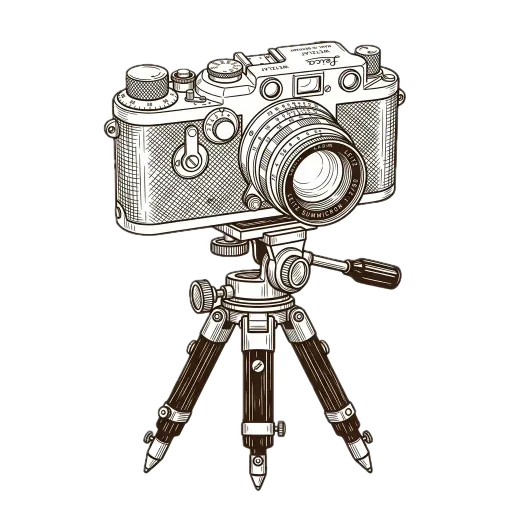
Prep the Station
Mount a tablet or laptop in a well-lit area, or just send a direct URL to your attendees so they can use their own phones.
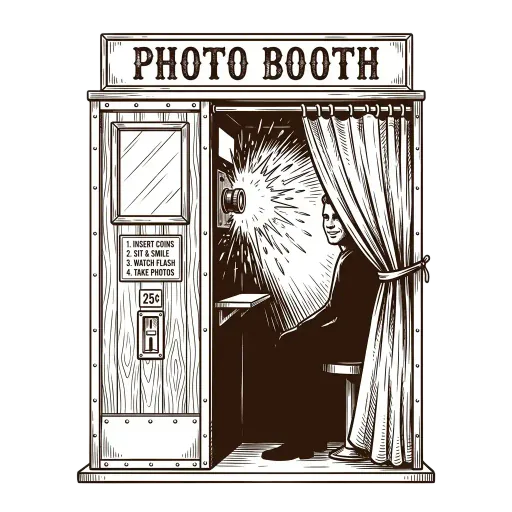
Strike a Pose
The built-in timer gives guests a few seconds between each of the four rapid-fire shots. This captures natural, chaotic, and joyful moments.

Save and Print
After the final flash, guests can apply a vintage color grade and save the photo strip directly to their device gallery.

Common Questions
What do I need to set up a DIY wedding photo booth?
You need: 1) A device with a camera (iPad, laptop, or phone), 2) A stand to prop up the device, 3) A backdrop (fabric, wall, or a DIY backdrop stand), and 4) Flashback Booth open in the browser. That's it.
How much does a DIY wedding photo booth cost?
The software (Flashback Booth) is completely free. Your only costs are the physical setup—a backdrop stand ($30–$100), backdrop fabric ($20–$60), and optional props. Total: often under $150 vs. $500–$2000 for a rental.
Can guests use their own phones instead of a shared device?
Yes. Share the Flashback Booth link with guests so they can take photo strips from their own phones throughout the night.
What props work best for a wedding photo booth?
Classic props include signs ("Mr & Mrs"), oversized glasses, flower crowns, and speech bubble cards. Keep them themed to your wedding color palette for cohesive photos.
How do I ensure the photo quality is good?
Good lighting is the biggest factor. Place your booth near a window for natural light, or use a ring light ($25–$50). A clean, uncluttered backdrop also improves every shot dramatically.
Related Guides
Wedding Photo Booth
Explore our guide on wedding photo booth and setup tips.
Wedding Photo Booth Ideas
Explore our guide on wedding photo booth ideas and setup tips.
Photo Booth Props Ideas
Explore our guide on photo booth props ideas and setup tips.
iPad Photo Booth Setup
Explore our guide on ipad photo booth setup and setup tips.