



Latest Tales

2026-07-04 · 5 min read
The Best DIY Photo Booth Props You Can Make in 10 Minutes

2026-05-20 · 7 min read
Why We Built the Digital Time Capsule
2026-05-10 · 7 min read
DIY Photo Booth Setup at Home
Milestone Time Capsule
Seal the celebration in a digital envelope. Write a personal letter to your future self or the guest of honor, attach your retro photo strips, and lock it until a future date. It's a perfect way to capture candid memories to look back on years from now.
Why Flashback Booth?
Graduation is one of the few milestone moments that genuinely deserves to be captured properly. A vintage photo booth gives you something more personal than a generic group photo — four sequential shots that capture the real energy of the celebration, assembled into a timeless photo strip keepsake. Flashback Booth is browser-based, meaning it runs instantly on any device with no app download. You can set up a shared booth at your graduation party, or share a link with friends so everyone captures their own strip. The retro aesthetic pairs perfectly with the nostalgic, milestone-celebrating mood of graduation day.
Effortless Event Setup
Turn any old iPad or laptop into a premium photo station in seconds. Just prop it up, ensure good lighting, and let the software handle the rest.
Instant Browser Access
No frustrating app downloads or sign-ups required. Open the link in Chrome, Safari, or Firefox on any device and start snapping photos instantly.
Ready to try our digital graduation photo booth?
Skip the expensive rentals and complicated software. Flashback Booth runs directly in your browser and costs absolutely nothing. Take your first photo strip right now.
How It Works
Prep the Station
Mount a tablet or laptop in a well-lit area, or just send a direct URL to your attendees so they can use their own phones.
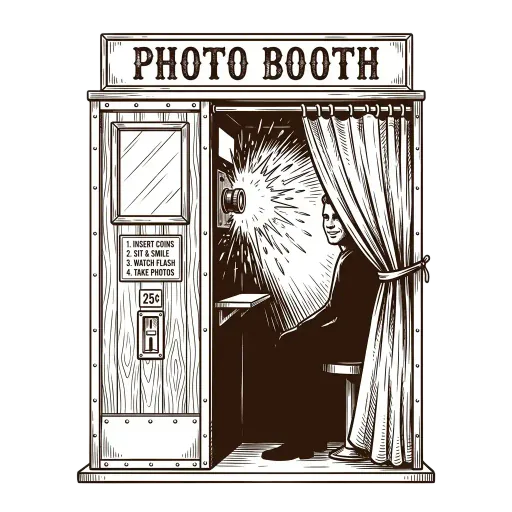
Strike a Pose
The built-in timer gives guests a few seconds between each of the four rapid-fire shots. This captures natural, chaotic, and joyful moments.
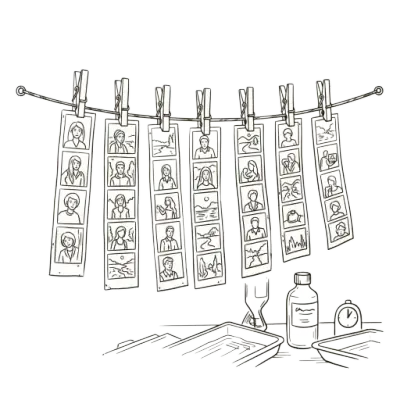
Save and Print
After the final flash, guests can apply a vintage color grade and save the photo strip directly to their device gallery.

Common Questions
Can I use a digital photo booth at my graduation party?
Yes. Set up a laptop or tablet as a shared booth, or share a link so each guest can take their own strips on their phone.
What makes Flashback Booth different from other photo booth apps?
Flashback Booth is fully browser-based, free, and includes a unique Digital Time Capsule feature where you can write a letter to your future self to be opened years later.
Can I add my graduation year to the photo strip?
Yes. Add a custom footer text (e.g., "Class of 2026") and enable the date stamp for a permanent memory marker.
Does it work outdoors?
Yes. As long as there is a cellular or WiFi connection and a device with a camera, Flashback Booth works anywhere.
Is Flashback Booth free to use?
Completely free. No subscription, no app download, no watermarks on your photo strips.
Related Guides
Online Photo Booth
Explore our guide on online photo booth and setup tips.
Vintage Style Photo Booth
Explore our guide on vintage style photo booth and setup tips.
Write a Digital Time Capsule
Explore our guide on write a digital time capsule and setup tips.
Free Photo Booth App
Explore our guide on free photo booth app and setup tips.