



Latest Tales

2026-05-26 · 8 min read
The Golden Age of Photo Booths

2026-05-15 · 9 min read
Mastering the Vintage Aesthetic

2026-04-15 · 8 min read
Why We Chose Black and White
Digital Time Capsule
Seal your vintage photo strips and memories in a digital envelope. Write a heartfelt letter to your future self or a friend, lock it with a custom opening date, and we'll keep it safe until the time comes.
Why Flashback Booth?
Designed with love for arcade nostalgia, our retro photo booth app features an illuminated wooden cabinet interface, tactile token animations, and authentic 4-shot countdowns that make taking photos feel like an event in itself.
Analog Film Emulation
We use advanced algorithms to recreate authentic analog film looks. Choose from classic Sepia, stark Black & White, or warm vintage tones.
High-Resolution Export
Get a crystal-clear, 800×2400px vertical photo strip delivered straight to your camera roll, completely ready for printing or social media sharing.
Ready to try our digital retro photo booth app?
Skip the expensive rentals and complicated software. Flashback Booth runs directly in your browser and costs absolutely nothing. Take your first photo strip right now.
How It Works
Allow Camera Access
Navigate to Flashback Booth in your browser and click "Allow" when it asks for permission to use your camera. No account needed.
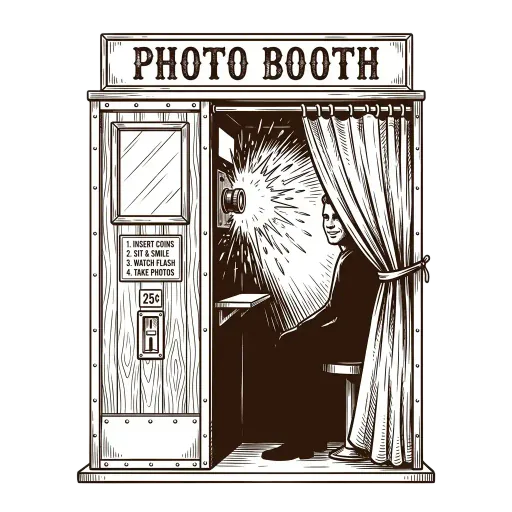
The 4-Shot Sequence
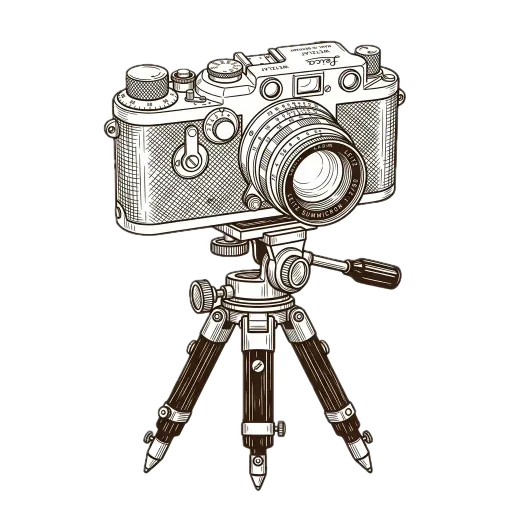
Tap the camera icon to start. You will have three seconds between each photograph to change your pose, just like an analog mall booth.
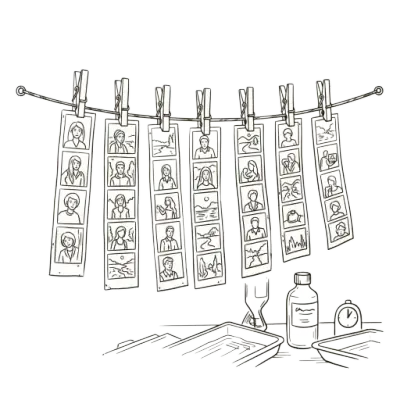
Apply Vintage Tones
Use our custom interface to toggle between Sepia, Black & White, or Warm Film, then download your personalized strip.
Common Questions
Is this retro photo booth app really free?
Yes, absolutely free. No subscriptions, no ads, and no watermarks.
What retro filters are available?
You can choose between Black & White, Sepia, Warm Tone, or standard color to get that perfect retro look.
Does it take 4 pictures like the old machines?
Yes, it counts down 3 seconds before each of the 4 consecutive shots, just like the classic mall machines.
Can I use it on my Mac?
Yes, it works perfectly on Mac, Windows, iOS, and Android.
How do I download the app?
You don't need to! It runs directly in your web browser.
Related Guides
Vintage Photo Booth App
Explore our guide on vintage photo booth app and setup tips.
Classic Photo Booth
Explore our guide on classic photo booth and setup tips.
Browser Photo Booth
Explore our guide on browser photo booth and setup tips.
No Download Photo Booth
Explore our guide on no download photo booth and setup tips.