





Latest Tales

2026-05-20 · 7 min read
Why We Built the Digital Time Capsule

2026-03-20 · 9 min read
Preserving Memories for the Future

2026-07-04 · 6 min read
15 Fun & Creative Photo Booth Poses (For Couples, Groups & Solo)
Digital Time Capsule
Seal your vintage photo strips and memories in a digital envelope. Write a heartfelt letter to your future self or a friend, lock it with a custom opening date, and we'll keep it safe until the time comes.
Why Flashback Booth?
A lightweight, browser-native photo booth designed perfectly for Chromebooks. Students and teachers can run photo booths for school events, classroom milestones, or club parties without needing administrator app install permissions.
Instant Browser Access
No frustrating app downloads or sign-ups required. Open the link in Chrome, Safari, or Firefox on any device and start snapping photos instantly.
Total Privacy Guarantee
Your photos are processed entirely on your local device. We never upload your pictures to an external server, keeping your memories completely private.
Ready to try our digital chromebook photo booth?
Skip the expensive rentals and complicated software. Flashback Booth runs directly in your browser and costs absolutely nothing. Take your first photo strip right now.
How It Works

Open the URL
It works seamlessly on iOS, Android, macOS, and Windows. Just open your preferred web browser and go to the app.
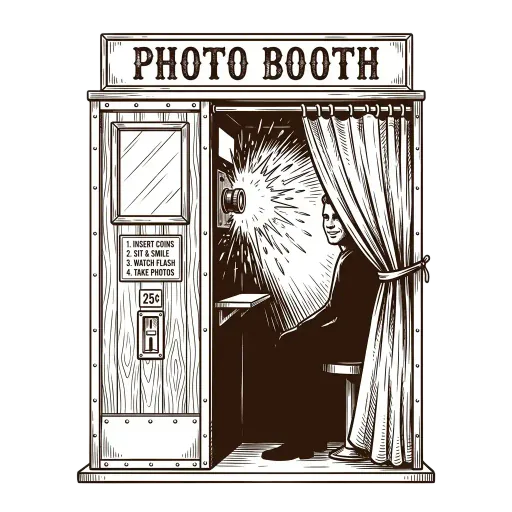
Capture the Moment
Let the automated countdown timer take a burst of four sequential photos while you and your friends switch up your poses.

Download Instantly
Add your own custom footer text to commemorate the moment, apply an analog filter, and download the high-resolution file.

Common Questions
Is Flashback Booth compatible with Chromebooks?
Yes! Since ChromeOS is designed around the Chrome browser, our web-based photo booth works flawlessly on all Chromebooks.
Do I need to install anything from the Play Store?
No, you don't need to install any Android apps or extensions. Just open the website and start snapping.
Can students use this on school Chromebooks?
Yes, as long as the school hasn't blocked camera access in the browser, it works perfectly for student projects, dances, and events.
How is the photo quality on a Chromebook?
The quality depends on your Chromebook's built-in webcam, but our vintage filters help enhance and stylize the image beautifully.
Is it completely free?
Yes, it is 100% free with no watermarks.