


Latest Tales

2026-05-20 · 7 min read
Why We Built the Digital Time Capsule

2026-03-20 · 9 min read
Preserving Memories for the Future

2026-07-04 · 6 min read
15 Fun & Creative Photo Booth Poses (For Couples, Groups & Solo)
Digital Time Capsule
Seal your vintage photo strips and memories in a digital envelope. Write a heartfelt letter to your future self or a friend, lock it with a custom opening date, and we'll keep it safe until the time comes.
Why Flashback Booth?
Turn any Windows PC or laptop webcam into a full-featured vintage photo booth machine. Perfect for streaming, parties, or webcam hangouts—open the browser, strike your poses, and download print-ready retro strips at zero cost.
Instant Browser Access
No frustrating app downloads or sign-ups required. Open the link in Chrome, Safari, or Firefox on any device and start snapping photos instantly.
Total Privacy Guarantee
Your photos are processed entirely on your local device. We never upload your pictures to an external server, keeping your memories completely private.
Ready to try our digital pc photo booth?
Skip the expensive rentals and complicated software. Flashback Booth runs directly in your browser and costs absolutely nothing. Take your first photo strip right now.
How It Works
Open the URL
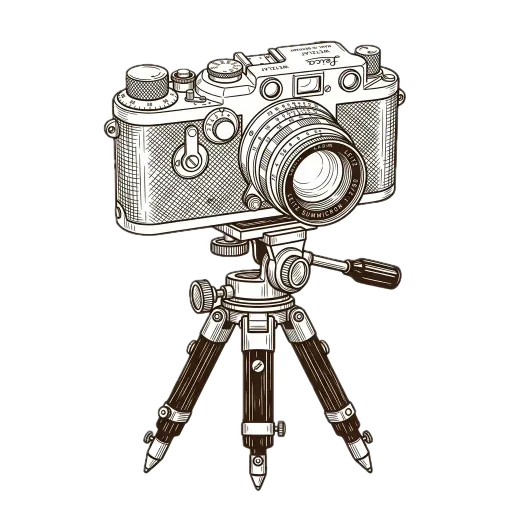
It works seamlessly on iOS, Android, macOS, and Windows. Just open your preferred web browser and go to the app.
Capture the Moment
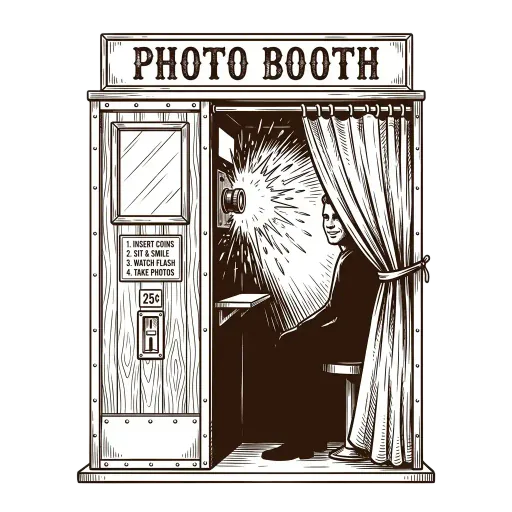
Let the automated countdown timer take a burst of four sequential photos while you and your friends switch up your poses.
Download Instantly
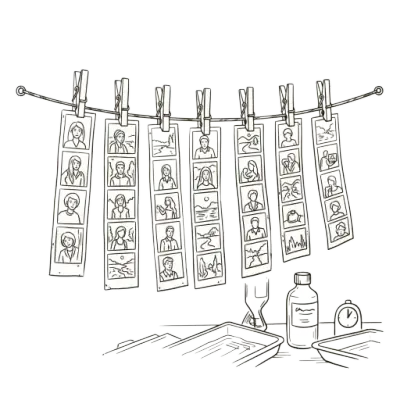
Add your own custom footer text to commemorate the moment, apply an analog filter, and download the high-resolution file.
Common Questions
Is this software free for Windows PC?
Yes! Flashback Booth is entirely free and doesn't require you to install any software on your PC.
Which web browsers are supported on PC?
It works beautifully on Google Chrome, Microsoft Edge, Firefox, and Brave.
Can I use my laptop's built-in webcam?
Absolutely. It will automatically detect your built-in webcam or any USB webcam you have connected to your PC.
Are my photos saved on my computer?
Yes, you download the final photo strip directly to your PC's Downloads folder as a high-resolution PNG.
Is it safe?
Yes, because it runs in the browser, everything is processed locally on your PC. No photos are uploaded to any server.