





Latest Tales


2026-07-04 · 5 min read
The Best DIY Photo Booth Props You Can Make in 10 Minutes

2026-05-20 · 7 min read
Why We Built the Digital Time Capsule
2026-05-10 · 7 min read
DIY Photo Booth Setup at Home
Digital Time Capsule
Seal your vintage photo strips and memories in a digital envelope. Write a heartfelt letter to your future self or a friend, lock it with a custom opening date, and we'll keep it safe until the time comes.
Why Flashback Booth?
Give students an authentic photo booth experience at prom, homecoming, or middle school dances without eating into the event budget. A simple laptop or tablet station powered by Flashback Booth delivers hundreds of instant keepsakes for free.
Effortless Event Setup
Turn any old iPad or laptop into a premium photo station in seconds. Just prop it up, ensure good lighting, and let the software handle the rest.
Instant Browser Access
No frustrating app downloads or sign-ups required. Open the link in Chrome, Safari, or Firefox on any device and start snapping photos instantly.
Ready to try our digital school dance photo booth?
Skip the expensive rentals and complicated software. Flashback Booth runs directly in your browser and costs absolutely nothing. Take your first photo strip right now.
How It Works

Prep the Station
Mount a tablet or laptop in a well-lit area, or just send a direct URL to your attendees so they can use their own phones.
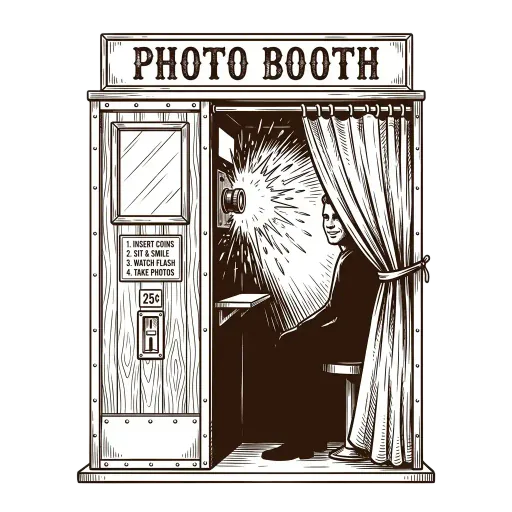
Strike a Pose
The built-in timer gives guests a few seconds between each of the four rapid-fire shots. This captures natural, chaotic, and joyful moments.

Save and Print
After the final flash, guests can apply a vintage color grade and save the photo strip directly to their device gallery.

Common Questions
Is this photo booth free for schools to use?
Yes! Flashback Booth is 100% free, making it incredibly budget-friendly for student councils and PTA organizations.
Can students use their own smartphones?
Yes, students can scan a QR code to access the photo booth directly on their own devices without downloading an app.
Can we put the school name on the photos?
Yes, the footer text is customizable, so you can easily add the school name and the dance theme.
Is it safe and private?
Yes, all photos are processed locally on the user's device and are not uploaded or stored on any external servers.
Do we need to rent a physical booth?
No, you can simply set up a school-owned iPad on a tripod or let students use their own phones.
Related Guides
Prom Photo Booth
Explore our guide on prom photo booth and setup tips.
Homecoming Photo Booth
Explore our guide on homecoming photo booth and setup tips.
Chromebook Photo Booth
Explore our guide on chromebook photo booth and setup tips.
Free Photo Booth
Explore our guide on free photo booth and setup tips.